The complete guide to Claude Code Agents — from subagents to Agent View (2026)
Contents
The complete guide to Claude Code Agents — from subagents to Agent View (2026)
Anthropic's Claude Code is evolving beyond a simple coding assistant into a multi-agent development platform. Subagents, Agent View, and Agent Teams — a systematic rundown of Claude Code's agent features.
Basic information
| Item | Details |
|---|---|
| Developer | Anthropic |
| Tool name | Claude Code |
| Minimum version | v2.1.139 or later (for Agent View) |
| Price | Pro ($20/month), Max ($100/$200 per month), Team, Enterprise, API plans |
| Official docs | code.claude.com/docs |
| Category | AI coding agent / multi-agent orchestration |
The overall structure of Claude Code's agent features
Claude Code's agent system is divided into three broad layers.
Layer 1: Subagents — sub-agents to which specific tasks are delegated within a single session. They handle focused work such as exploration, analysis, and review while protecting the main conversation's context.
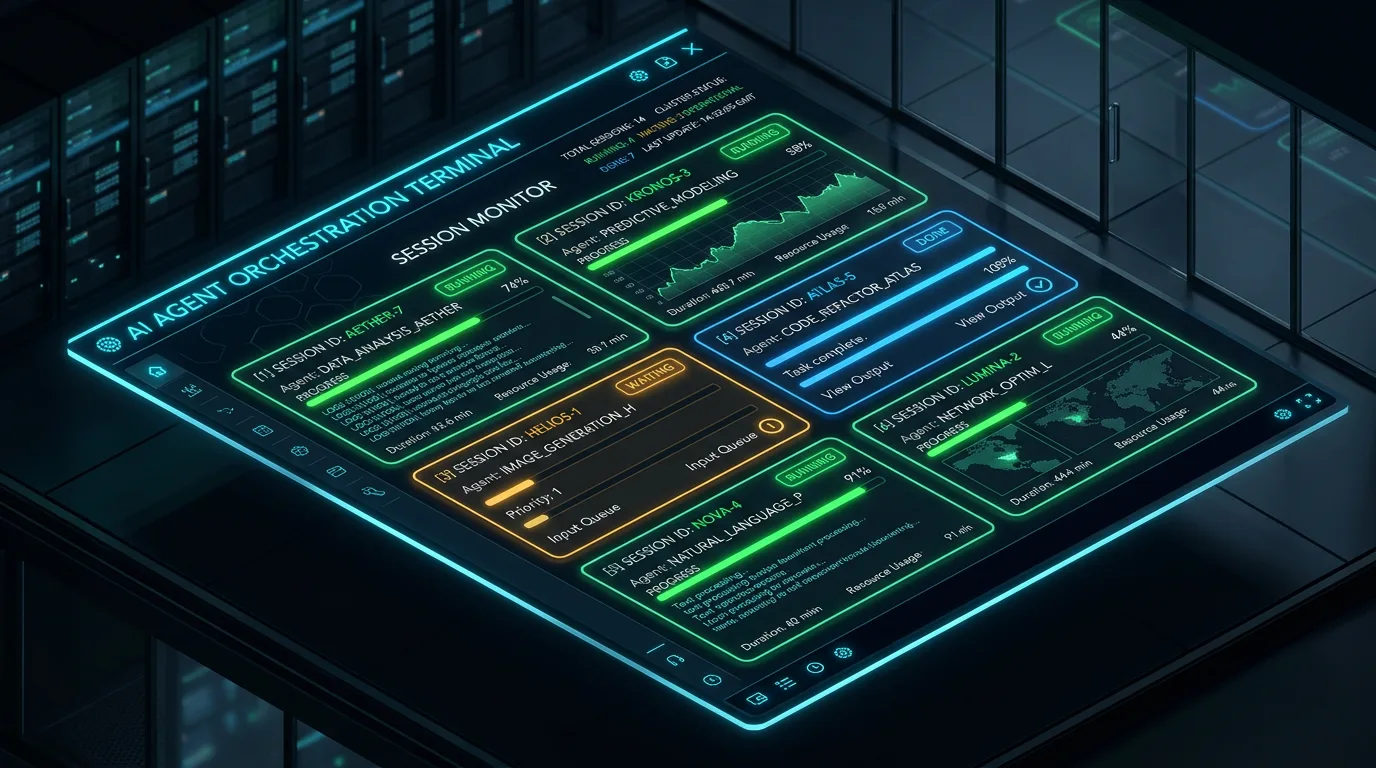
Layer 2: Agent View — an integrated interface for managing multiple background sessions from a single dashboard. Released as a research preview on May 11, 2026.
Layer 3: Agent Teams — an experimental feature in which multiple Claude Code instances collaborate like a team. It supports a shared task list and direct messaging between agents.
1. Subagents — the basic unit of task delegation
What is a subagent?
A subagent is a specialized agent that performs work in a separate context window, split off from the main Claude Code session. According to the official documentation, a subagent operates with its own system prompt, tool permissions, and context. Because only the results of the work return to the main session, context pollution is prevented.
Built-in subagents
Claude Code comes with subagents provided out of the box.
- Explore: a read-only agent dedicated to searching and analyzing the codebase. It is optimized for file exploration, code search, and understanding structure, and you can specify a level from quick search to very thorough analysis.
- Plan: a research agent that investigates the codebase in plan mode. It gathers the necessary context while preventing infinite nesting in which subagents spawn further subagents.
- General-purpose: a general-purpose agent capable of both exploration and execution, used for complex multi-step tasks.
Creating custom subagents
/agents You can create subagents yourself with a command. Per the official documentation, the procedure is as follows.
Step 1. In Claude Code, enter /agents.
Step 2. In the Library tab, choose "Create new agent" and select Personal (user-global) or Project (project-only).
Step 3. Choose "Generate with Claude" and describe the agent's purpose in natural language, e.g. "A code review agent that checks code quality, security, and maintainability".
Step 4. Set tool access permissions. You can allow read-only tools (Read, Grep, Glob) or choose whether to include execution (Bash).
Step 5. Assign a background color to tell agents apart visually.
The generated agent is saved as a Markdown file (YAML front matter plus system prompt).
- User-global:
~/.claude/agents/ - Project-only:
.claude/agents/
Subagent configuration file structure
---
name: code-reviewer
description: 코드 작성·수정 후 자동으로 품질, 보안, 유지보수성을 검토합니다.
tools: Read, Grep, Glob, Bash
model: inherit
---
당신은 코드 품질과 보안을 보장하는 시니어 코드 리뷰어입니다.
(이하 시스템 프롬프트)
The key settings are as follows.
- name: the agent's name (referenced when Claude decides on delegation)
- description: the criterion Claude uses to decide when to invoke this agent
- tools: the list of available tools (all tools are inherited if omitted)
- model: choose among sonnet, opus, and haiku (to balance cost and performance)
Tips for using subagents
- Automatic delegation: Claude automatically selects the appropriate subagent based on its description. That is why it is important to write descriptions that are specific and action-oriented.
- Manual invocation: explicit invocation is also possible in the form
@code-reviewer. - Running the whole session as an agent: you can also start in a specific agent mode with
claude --agent code-reviewer. - Fork mode: setting the
CLAUDE_CODE_FORK_SUBAGENT=1environment variable runs subagents in fork mode.
Recommended subagent use cases
- Codebase exploration: when getting your bearings in an unfamiliar project, the explore agent investigates entry points, data flow, and conventions and returns a summary.
- Code review: a reviewer agent allowed only read-only tools performs quality and security checks.
- Documentation research: run a dedicated agent that collects and summarizes official docs and changelogs.
- Test runs and log analysis: analyzes stack traces and returns a summary of the cause of failure and the direction of a fix.
2. Agent View — the multi-session dashboard
What is Agent View?
Agent View, released as a research preview on May 11, 2026, is an integrated dashboard that lets you manage multiple Claude Code background sessions from a single terminal screen. It is available in Claude Code v2.1.139 and later.
How to open it
- In the terminal, run the
claude agentscommand - In an existing session, press the left arrow (←) key to switch to Agent View
Core features
Session status at a glance: each row shows the session ID, current status (working / waiting for input / done), the last response, and the time of the last interaction.
Peek: select a row and press Space to see that session's last turn without entering the full session. If the agent is waiting on a decision, you can reply inline right there.
Attach: press Enter to open the session's full conversation for a deeper look.
Background session management: there are two ways to run work in the background.
- In an existing session, type
/bg: moves the current session to the background claude --bg "작업 설명": runs as a background session from the start
Example Agent View workflow
claude agentsto open Agent View.- Type a task such as "refactor the payment module" in the input box at the bottom and press Enter.
- Run additional tasks ("fix the auth bug", "expand test coverage") in parallel the same way.
- Each session appears as a row, with its status updated in real time.
- If a session needs input, check it with Peek and reply inline.
- Sessions keep running even after you press Esc to close Agent View.
The /goal command
Released alongside the same v2.1.139 update, the /goal command lets Claude work autonomously across multiple turns once you set a completion condition. /goalfor autonomous execution → /bgto move to the background → monitor in Agent View: this combination is the core workflow.
Things to watch
- Token consumption: parallel sessions each use your subscription quota independently. Running 5 sessions at once burns quota 5 times as fast.
- Local execution: sessions run on your local machine, so if your laptop goes to sleep, the session stops. For long-running work, an SSH connection to a VPS (virtual server) is recommended.
- Available plans: available on Pro, Max, Team, Enterprise, and API plans, with normal usage limits applying.
3. Agent Teams — collaboration between agents (experimental)
What are Agent Teams?
Agent Teams is a feature in which multiple Claude Code instances collaborate like a team on a single project. It is currently an experimental feature and is disabled by default.
How it differs from subagents
Subagents work within a single session and only report results back to the main agent; they cannot communicate with each other. Agent Teams teammates, by contrast, exchange messages directly, assign and track work on a shared task list, and can collaborate even without a lead agent.
How to enable it
Add the following to an environment variable or settings.json.
export CLAUDE_CODE_EXPERIMENTAL_AGENT_TEAMS=1Available in v2.1.32 and later.
How it works
- Describe a task that needs parallel work to Claude and ask it to "create an agent team".
- Claude acts as team lead and spawns teammates as the request requires.
- Each teammate works in an independent context window and collaborates through the shared task list and messaging system.
Recommended Agent Teams use cases
- Research and review: several teammates investigate different aspects of a problem at the same time, then share and verify results.
- New module and feature development: teammates split frontend, backend, and tests among themselves.
- Debugging: verify different hypotheses in parallel and compare results to pinpoint the cause quickly.
- Cross-layer changes: coordinate changes spanning multiple layers, such as frontend, backend, and DB migrations.
Current limitations
- There are known limitations around session resume, task coordination, and shutdown behavior.
- For sequential work, editing the same file, or work with many dependencies, a single session or subagents are more effective.
- Token consumption rises sharply compared with a single session.
Feature comparison summary
| Item | Subagents | Agent View | Agent Teams |
|---|---|---|---|
| Core use | Delegating a single task | Monitoring multiple sessions | Collaboration between agents |
| Context | Isolated within the main session | Independent sessions managed in parallel | Independent sessions plus mutual communication |
| Communication between agents | None (results only) | None (independent execution) | Direct messaging |
| Stability | Stable (official feature) | Research preview | Experimental (off by default) |
| Minimum version | v1.0.60+ | v2.1.139+ | v2.1.32+ |
| Suited to | Exploration, review, research | Parallel processing of independent tasks | Complex cross-functional development |
Competitor comparison
| Item | Claude Code Agents | GitHub Copilot Coding Agent | OpenAI Codex |
|---|---|---|---|
| Execution environment | Local terminal (CLI) | Cloud (GitHub) | Cloud |
| Multi-agent | Subagents + Agent Teams | Parallel per PR | Parallel task support |
| Session management | Agent View dashboard | GitHub UI | Web dashboard |
| Customization | Markdown-file-based agent definitions | Limited | Limited |
| Offline execution | Yes (local) | No (cloud required) | No (cloud required) |
| Korean support | Korean prompts supported | Korean prompts supported | Korean prompts supported |
Verdict
Claude Code's agent features point in a fundamentally different direction from simple code autocompletion tools. A structure that separates and delegates work with subagents, manages multiple tasks in parallel with Agent View, and even enables collaboration between agents with Agent Teams is the most systematic multi-agent architecture among today's AI coding tools.
That said, Agent View is a research preview and Agent Teams is experimental, so caution about stability is still needed. The sharp rise in token consumption during parallel execution is also a real constraint for Pro plan users. At this point, the most realistic approach is a phased one: get comfortable with subagents first, then expand into Agent View.
Rating: ⭐⭐⭐⭐☆ (4/5)
— The feature design and extensibility are top-tier, but many features are still experimental and there is room for improvement in cost efficiency.
Contents
Related posts
Claude AI review — ChatGPT's real rival, an AI chatbot strong at writing and document work
A hands-on look at Claude, the AI chatbot from Anthropic: core features, pricing, pros and cons, and Korean-language performance. An honest take on how it differs from ChatGPT and Gemini and who it suits best.